Try Pro features free for 14 days in the app. No card or email required. Upgrade anytime; payment starts your paid plan immediately.
Weast Pro
—per desktop per month Billed yearly
Everything in Free and
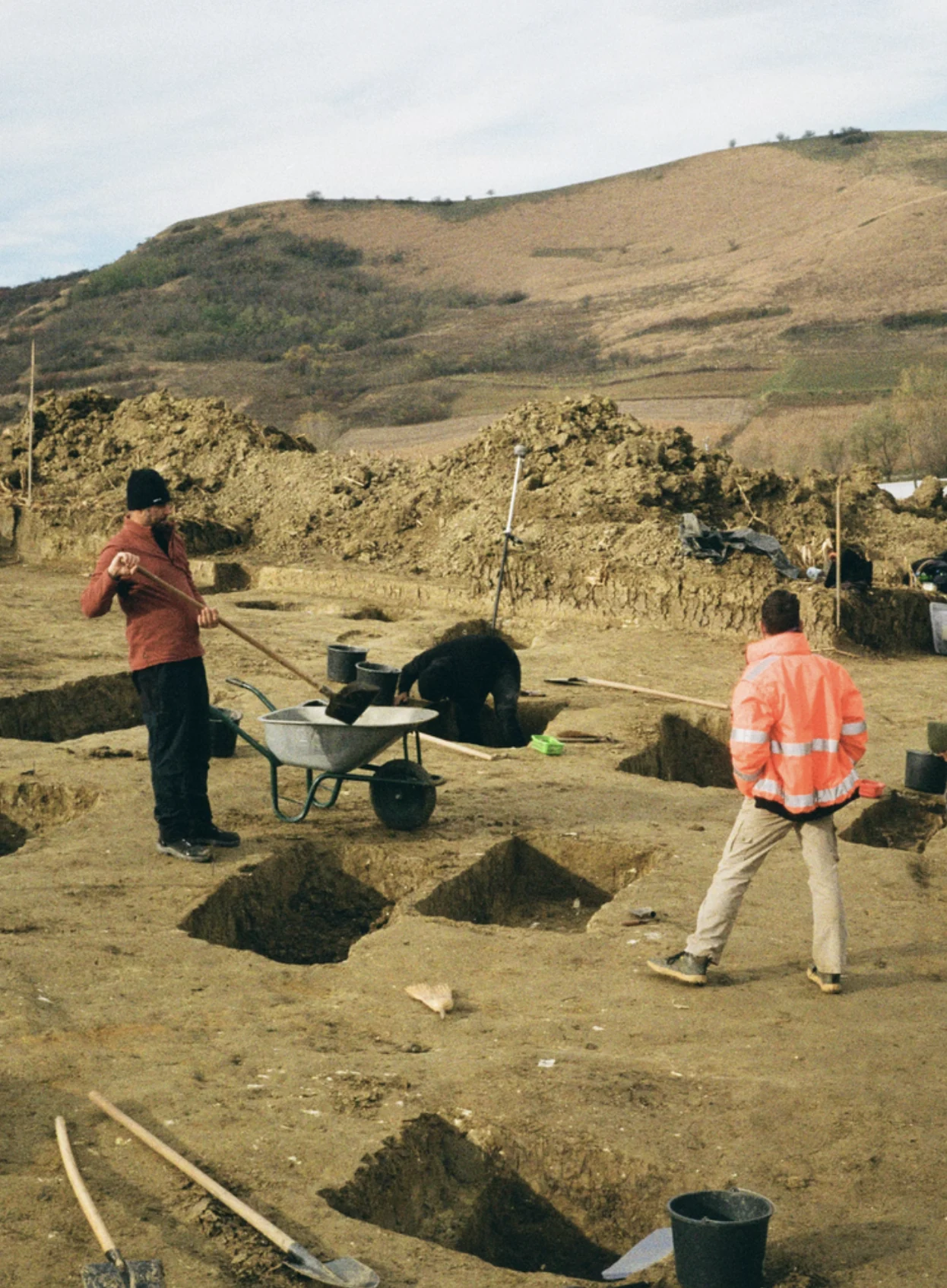
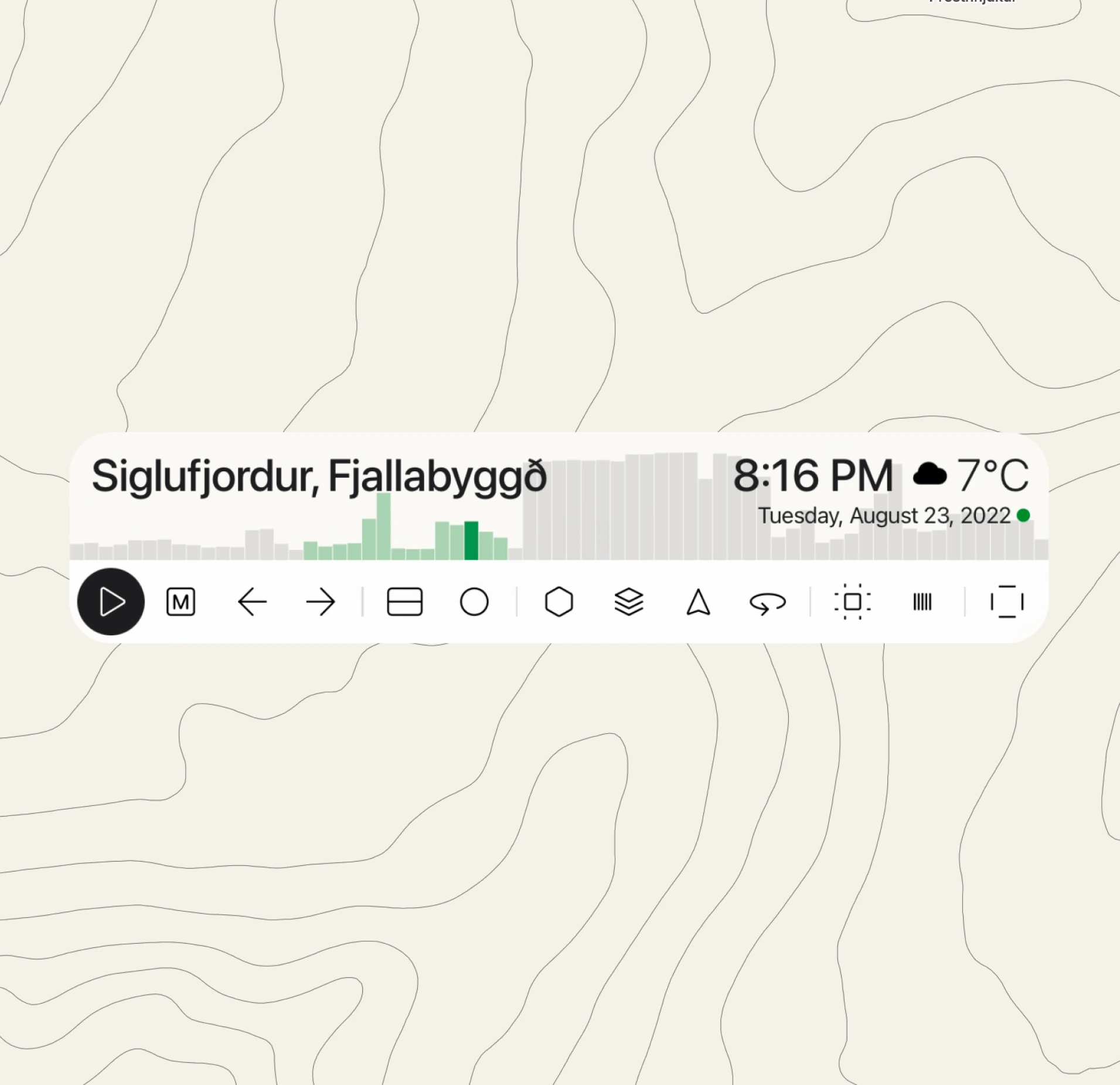
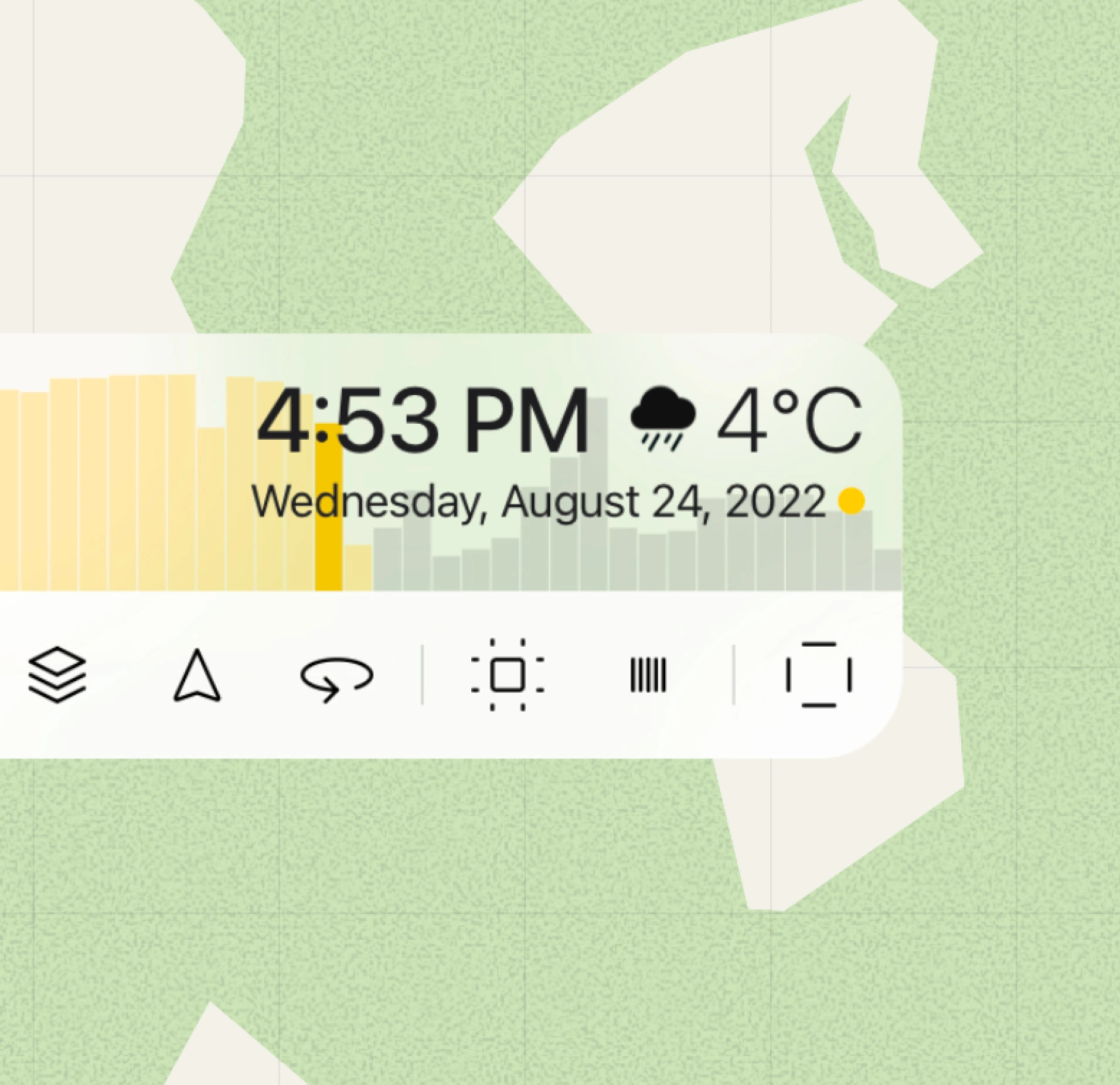
Historical Weather
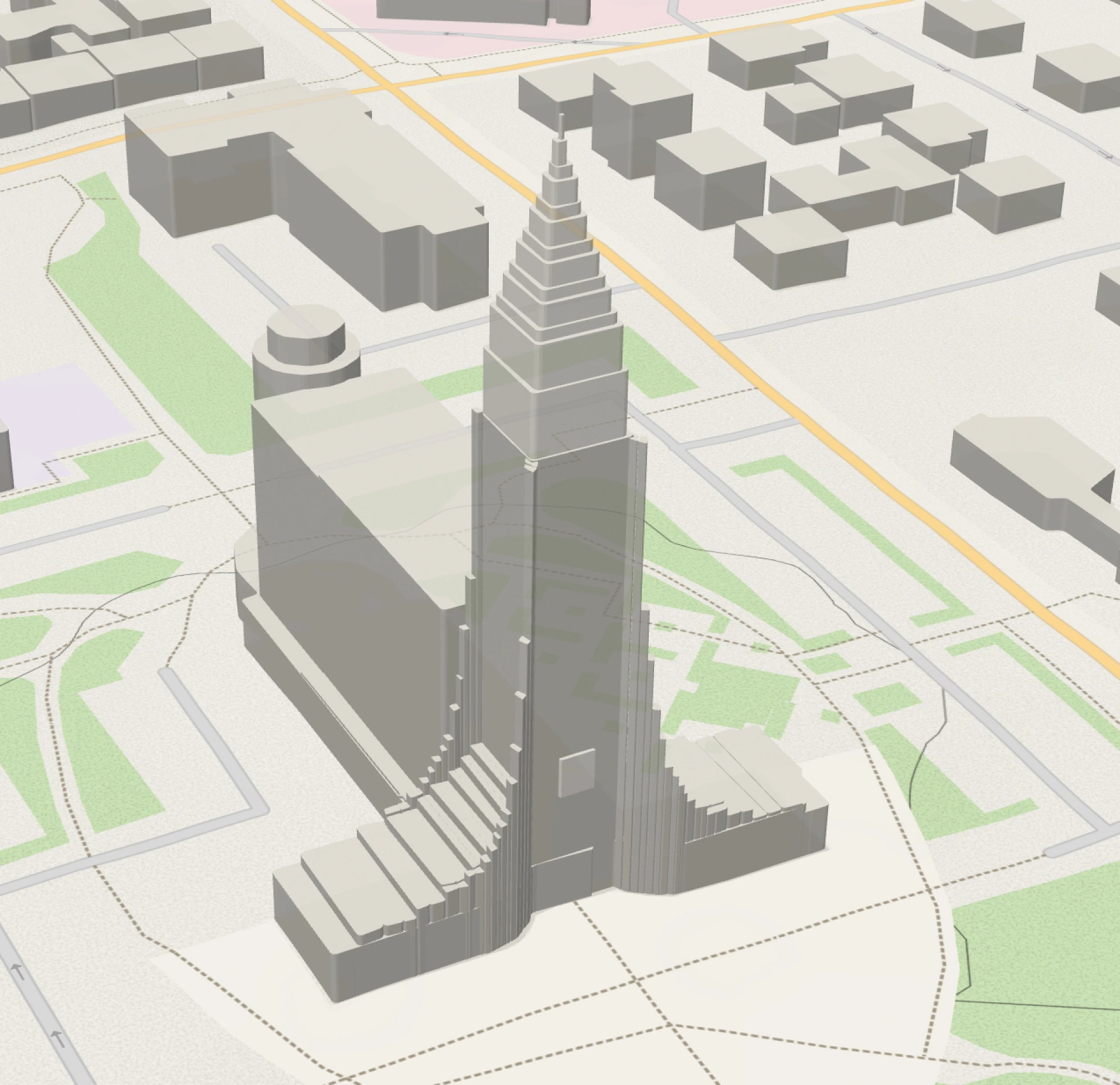
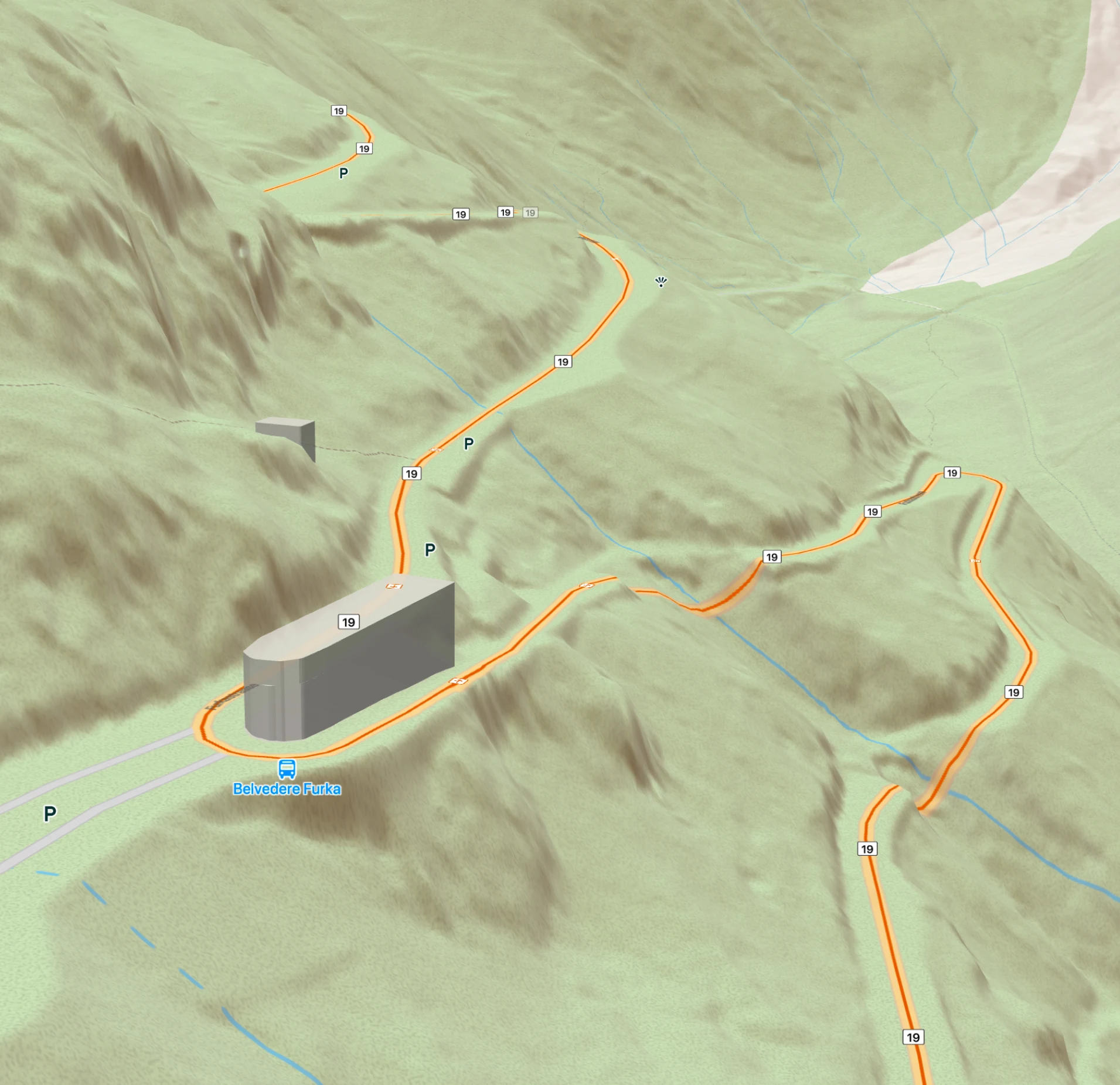
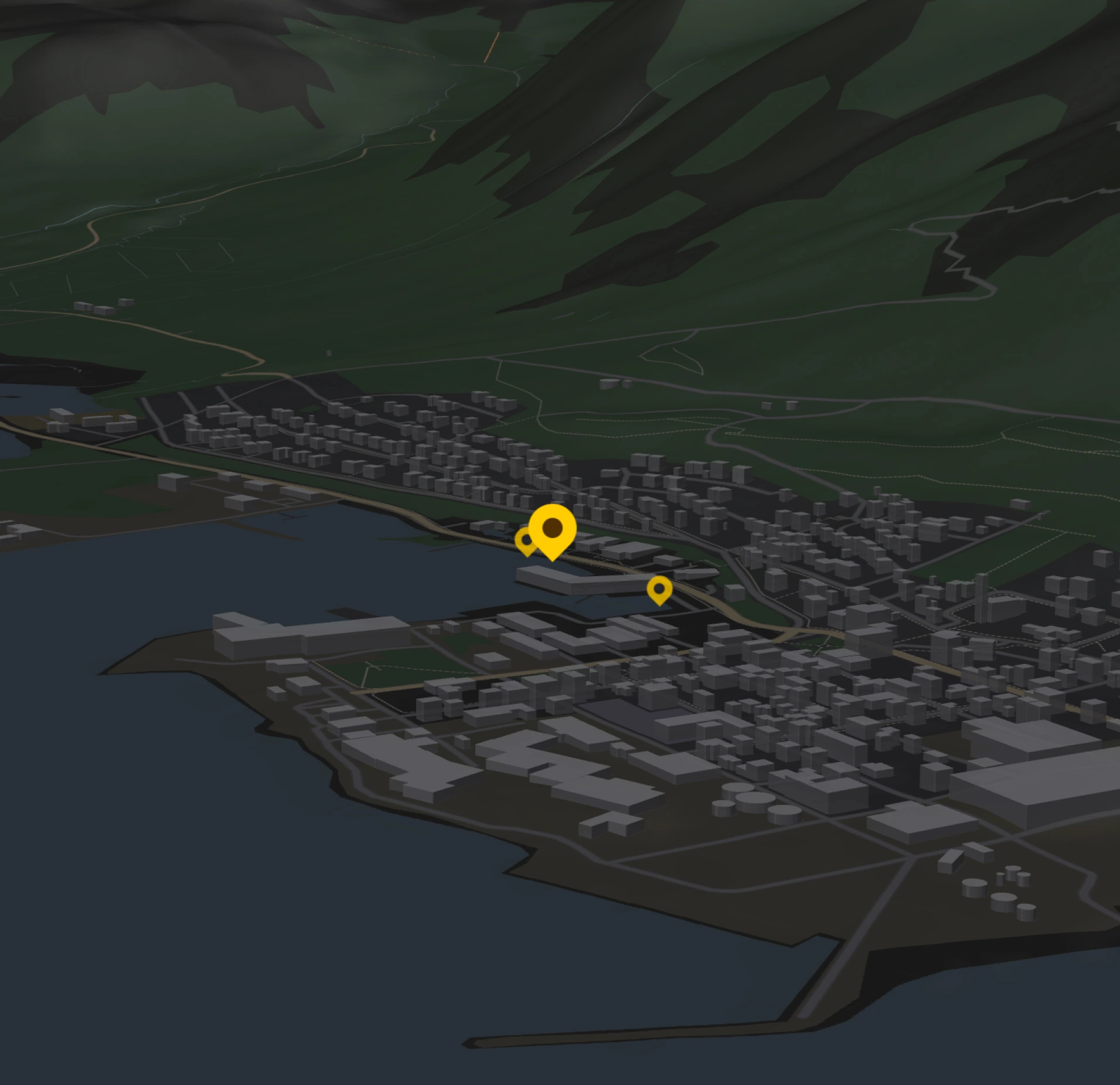
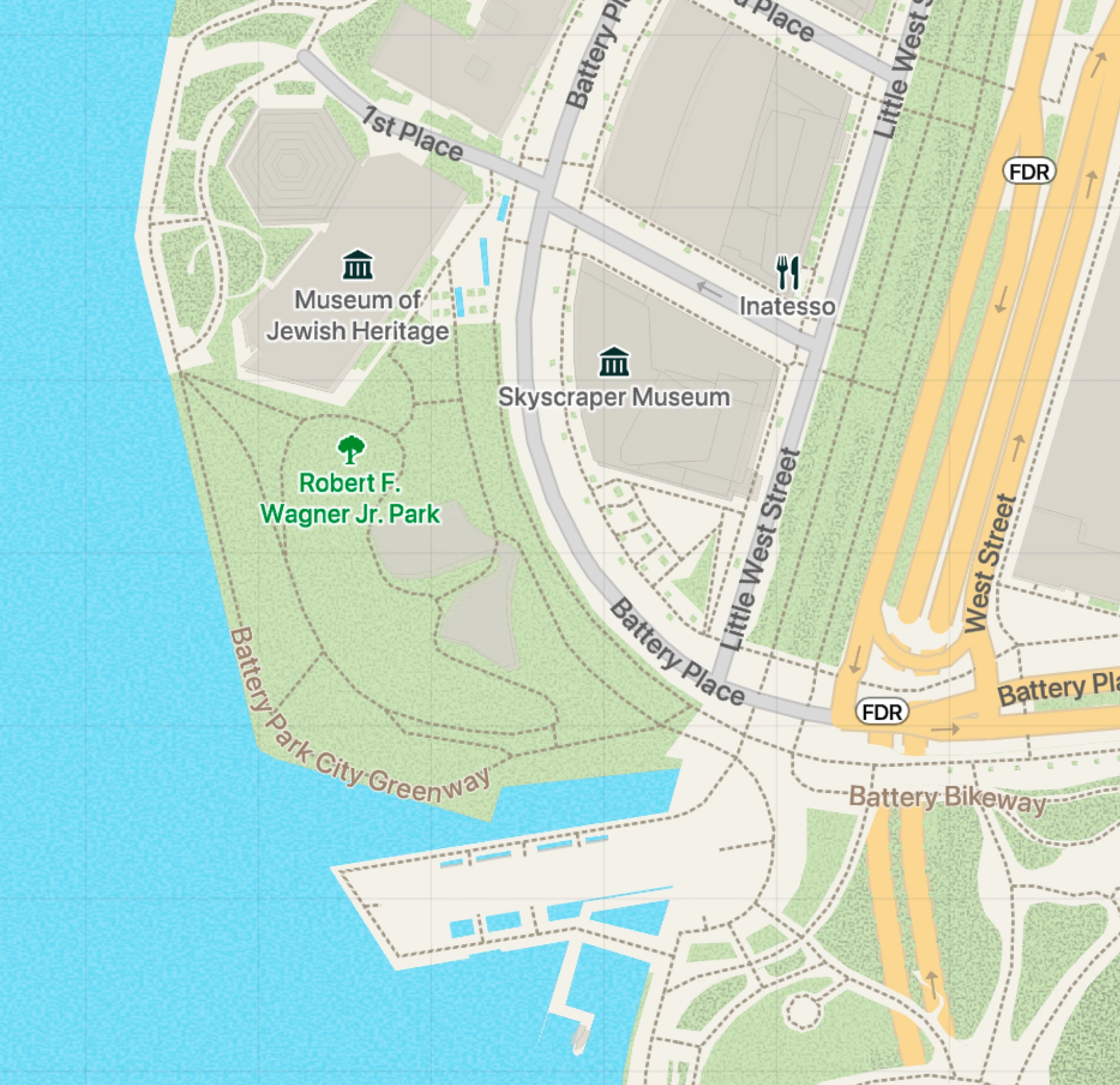
3D Map
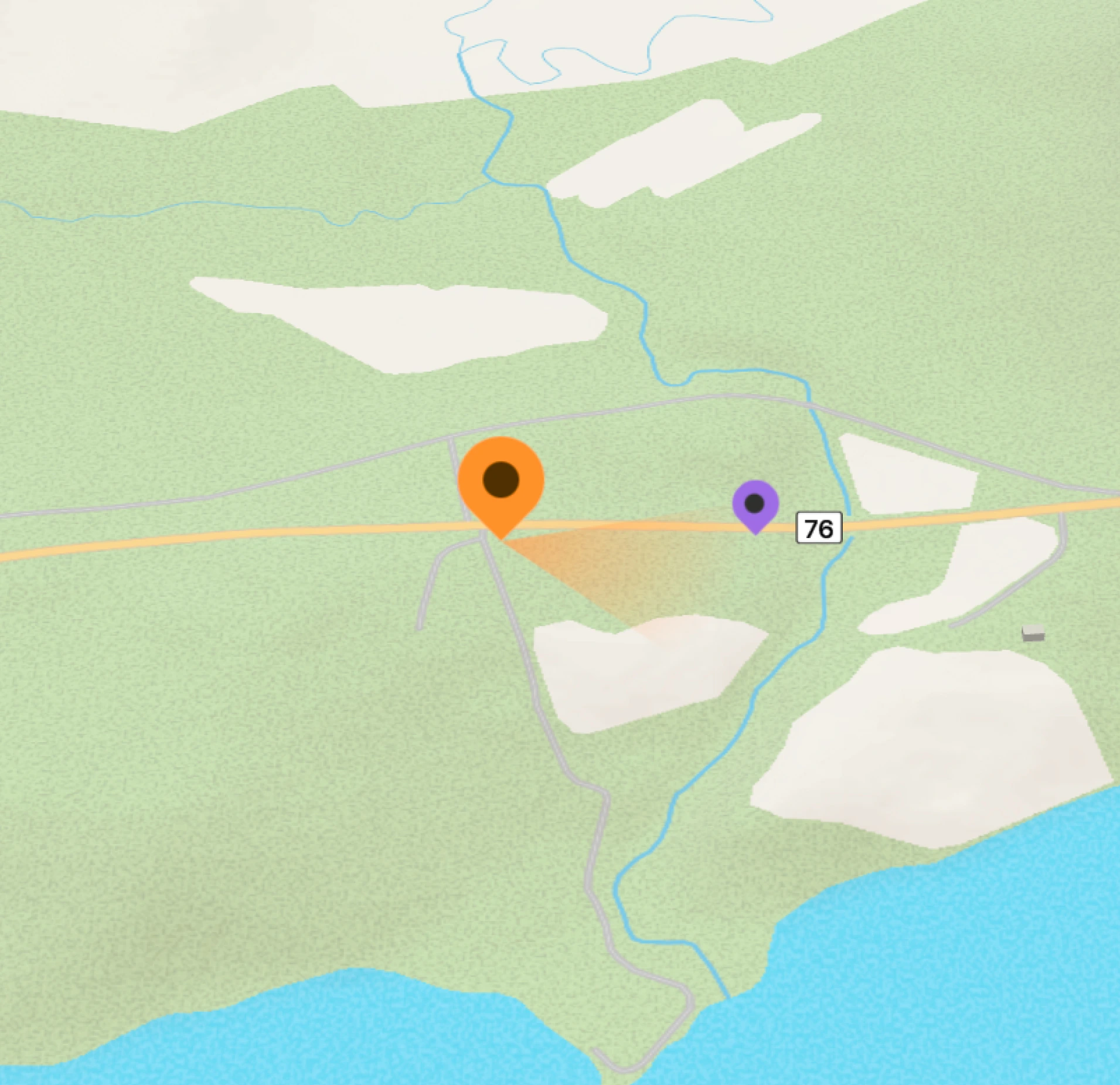
Directional radar
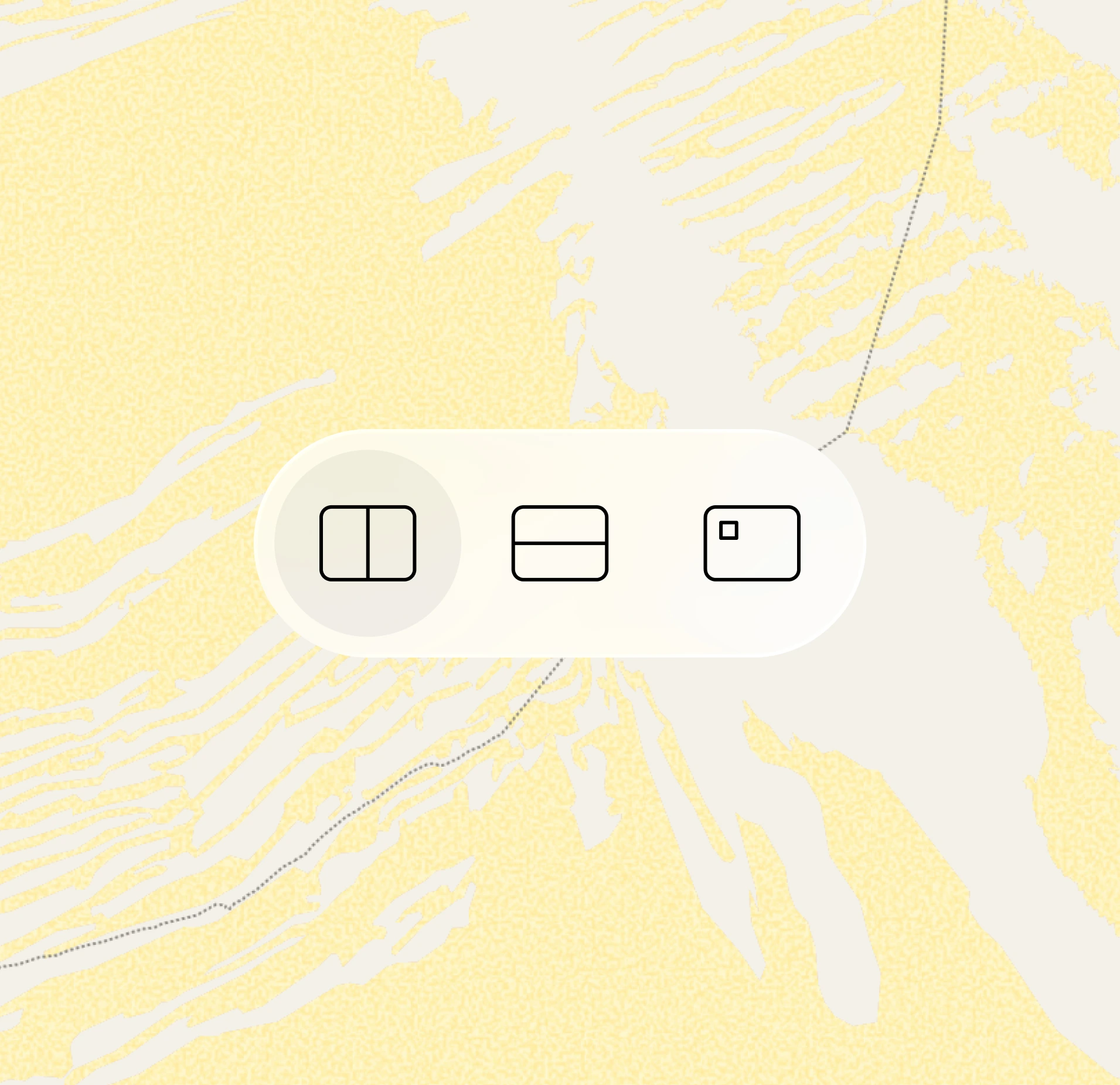
Layouts
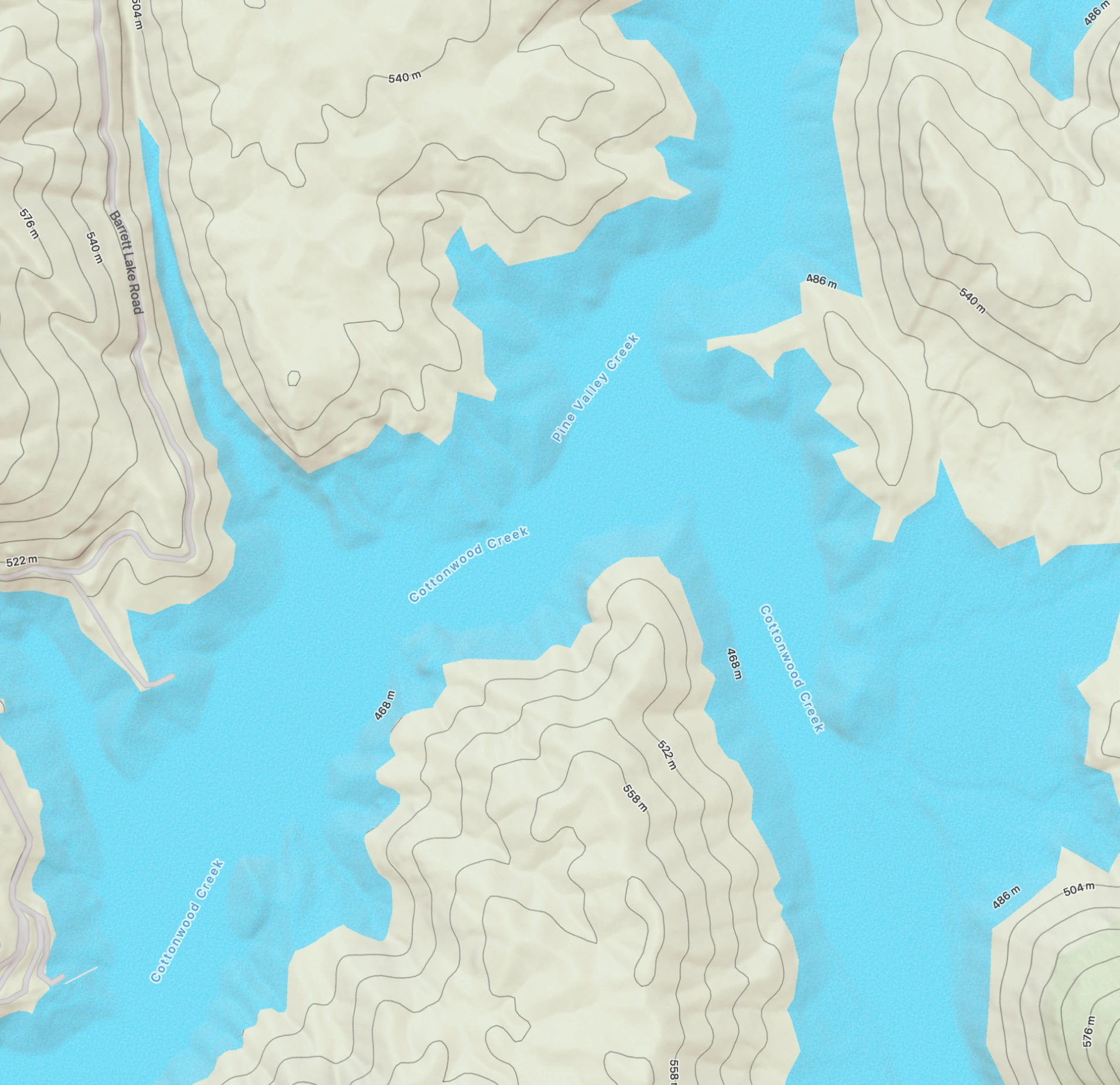
Topographic lines and grid
Add your own GPX, KML files
Subscriptions renew automatically until you cancel. Cancel anytime. The final amount is confirmed at checkout.
Prices load for your location before purchase.
FAQs
A few things worth knowing
What is Weast, and what does it do?
Weast is a Mac app that turns a folder of photos and videos into a chronological presentation connected to a map. It helps you view your documentation in the context of time and place without manually organizing every item.
Who is Weast designed for?
Weast is for people exploring photo and video archives on a Mac, with the date and location data needed for map presentations. Revisit personal journeys and travel photography, or present project archives, technical documentation and field documentation in the context of time and place. Commercial use requires Pro.
Does Weast require an account?
No. Weast works without registration or sign-in. Your media is analyzed locally on your Mac and is not uploaded anywhere.
Do I need a payment card to try Weast?
No. You can try Weast for 14 days with Pro features in the app, without a payment card or email address. After the trial, you can continue using Free features. Buying Pro is a separate checkout: payment starts your paid plan immediately, without another trial.
Does Weast edit, move, or delete original files?
No. Weast reads the information needed to prepare a presentation, but it does not edit, move, or delete your original media. Your files remain unchanged in their existing location.
Does Weast work with files stored in iCloud and the Photos app?
Yes. Weast can create presentations from media available on your Mac through iCloud and from your Photos library.
How do I create collections?
The simplest approach is to organize your media into separate folders on your drive or create an album or collection in the Photos app. You can then select the relevant folder or collection in Weast to create a presentation.
What happens when I add new files to a previously analyzed folder?
The next time you open the folder, Weast detects the changes and analyzes only new or modified files. It does not need to scan the entire folder again. If the new media lacks the information required for the chronology or map, Weast will show a notice in the summary.
Is Weast available on other platforms?
Weast is currently available only for macOS. We’re working on a Windows version, which we expect to release before the end of 2026.
What if I can’t find a feature I need?
Email us at hello@weast.app and tell us what feature is missing from your workflow. We’d love to hear your feedback and learn how Weast could work better for you.


 max_zielinski